 Pages Before Pixels
What goes on a home, about and contact page
Last reviewed
The short version
- The home page says what the site is and where to go next.
- The about page says who is behind it.
- The contact page says how to reach you, and when.
The home page
The home page is the main page of a website.[1] It's usually found at the root of your domain.[1] For example, example.com leads to the home page, not to a page deeper in.
One important job is to communicate who you are and what you offer.[1] A poorly designed home page can overwhelm visitors and put them off.[1] So keep it light.
Use your purpose sentence from step 1. Then add:
- a short headline that says what you do
- one or two lines of detail
- a way to take the main action (your one main goal)
- links to your two or three most important pages
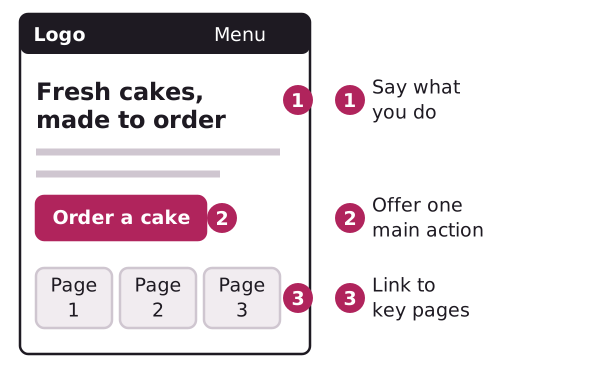
Leave the rest off. The home page isn't the place for your whole history.
The about page
Some visitors will want to know who is behind a site. The about page answers that.
Plan it with a few headings:
- Who we are. One short paragraph.
- What we do. In one or two lines.
- Why you do it. A sentence or two.
- How to get in touch. A link to the contact page.
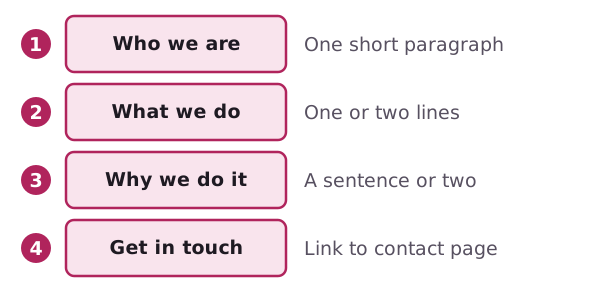
Stick to things you can back up. Don't invent numbers, awards or quotes from customers. If you've got nothing to say yet, say less. A short true page beats a long made-up one.
The contact page
A contact page is where visitors go to reach the person or group behind the site.[2] It usually holds one or more of these:[2]
- an email address
- a telephone number
- a postal address, sometimes with a map
- links to social media
- a contact form
- office hours
An email address is for direct communication, and a phone number is for voice contact.[2] A form lets people send a message without opening their own email program.[2] Choose only the ways you can really answer.
The GOV.UK Design System has a pattern for contact details. Its advice fits any small site:
- Show contact options in the same order everywhere on the site.[3]
- Tell people when you'll reply.[3]
- Explain any exceptions to your opening hours, such as public holidays.[3]
- List social media last.[3]
Here's one of its examples, with made-up details.
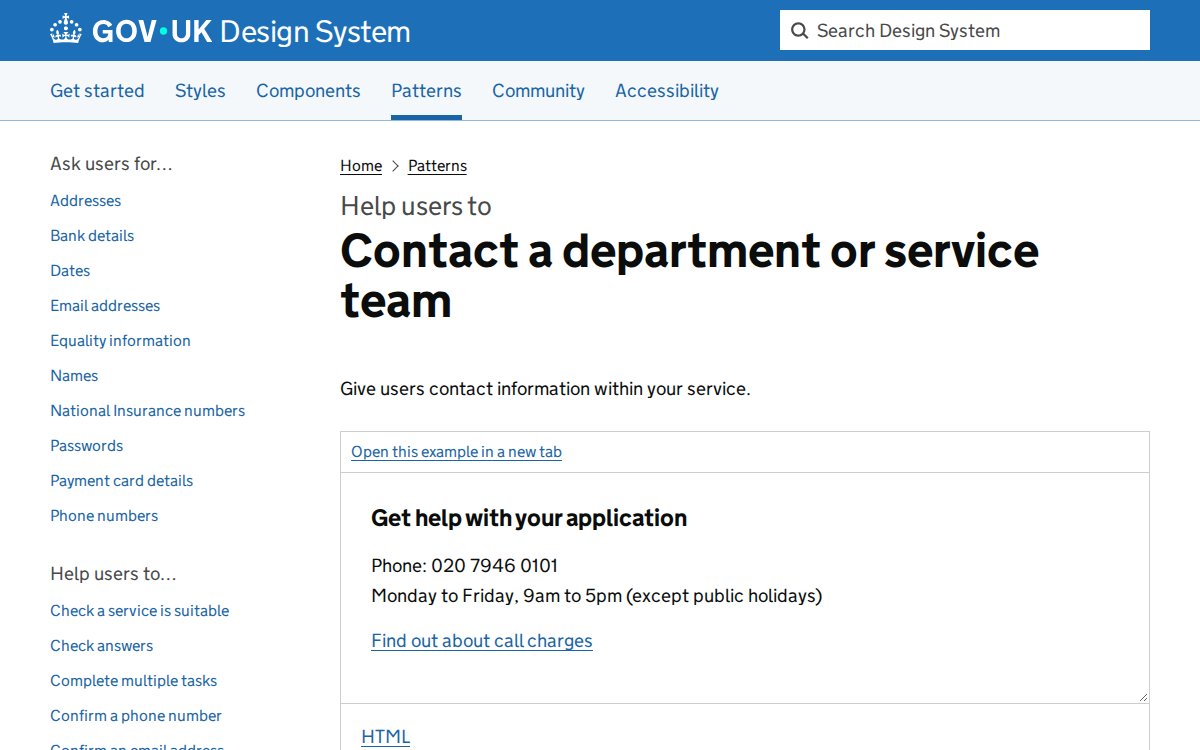
Hours and replies
If a shop is closed on Mondays, say so. If you reply to email within two working days, say that. Visitors then know what to expect.[3] Only promise what you can keep.
Next
Once the three pages are planned, sketch them. That's the job of wireframes.
Sources
- Home page, Wikipedia (accessed 2026-11-01)
- Contact page, Wikipedia (accessed 2026-11-01)
- Contact a department or service team, GOV.UK Design System (accessed 2026-11-01)